 Claude
  Perplexity
The 12 Best Email List Management Software Tools of 2025
Discover the 12 best email list management software tools for 2025. Compare features, pricing, and use cases to clean your list and boost deliverability.
TL;DR: Discover the 12 best email list management software tools for 2025. Compare features, pricing, and use cases to clean your list and boost deliverability.
In the world of email outreach and marketing, a massive contact list means nothing if your messages never reach the inbox. High bounce rates, low open rates, and spam complaints not only waste resources but can actively damage your sender reputation, making it even harder to connect with potential customers. This is where dedicated email list management software becomes a critical asset, shifting the focus from sheer list size to overall list health and quality.
A clean, validated, and well-segmented email list is the foundation of any successful campaign. It ensures your emails land in front of real people, improves deliverability, and allows for personalized messaging that resonates with your audience. The right tools automate the tedious process of cleaning, verifying, and organizing your contacts, saving you time and preventing costly sender reputation issues. For a deeper walkthrough of how list hygiene fits into the bigger picture, see our guide to email list cleaning services and why emails bounce back.
One quick framing note before the tools: “email list management” is not one product category. It is at least three — full ESPs (Mailchimp, Klaviyo, HubSpot) that store contacts and send campaigns, list-hygiene tools (Truelist) that keep addresses clean and deliverable, and CRMs/CDPs that act as the system-of-record. Most teams need at least two of these together. Picking the wrong category for your actual problem is the most common mistake we see, and we have a dedicated section on that distinction below.
This guide cuts through the noise to help you find the best platform for your specific needs. We’ll dive into twelve of the top email list management and validation tools, including Truelist, Mailchimp, ActiveCampaign, and HubSpot. You’ll find a detailed analysis of each, complete with:
- Concise product descriptions
- Key feature breakdowns (validation, segmentation, integrations)
- Clear pricing information
- Practical use cases for marketing, sales, and transactional emails
- Honest pros and cons based on real-world application
Each review includes screenshots and direct links, allowing you to quickly evaluate and compare the software that will transform your email list from a simple spreadsheet into a powerful revenue-generating tool. Let’s get started.
1. Truelist
Truelist establishes itself as a premier choice in the email list management software space by directly addressing the most significant pain points for marketers and SDRs: unpredictable costs and insufficient accuracy. Rather than a complex system that leads to surprise overages, Truelist offers straightforward, flexible pricing: pay-as-you-go credits that never expire, plus unlimited plans for high-volume senders. This approach lets teams clean and maintain their lists proactively with predictable costs at any scale.
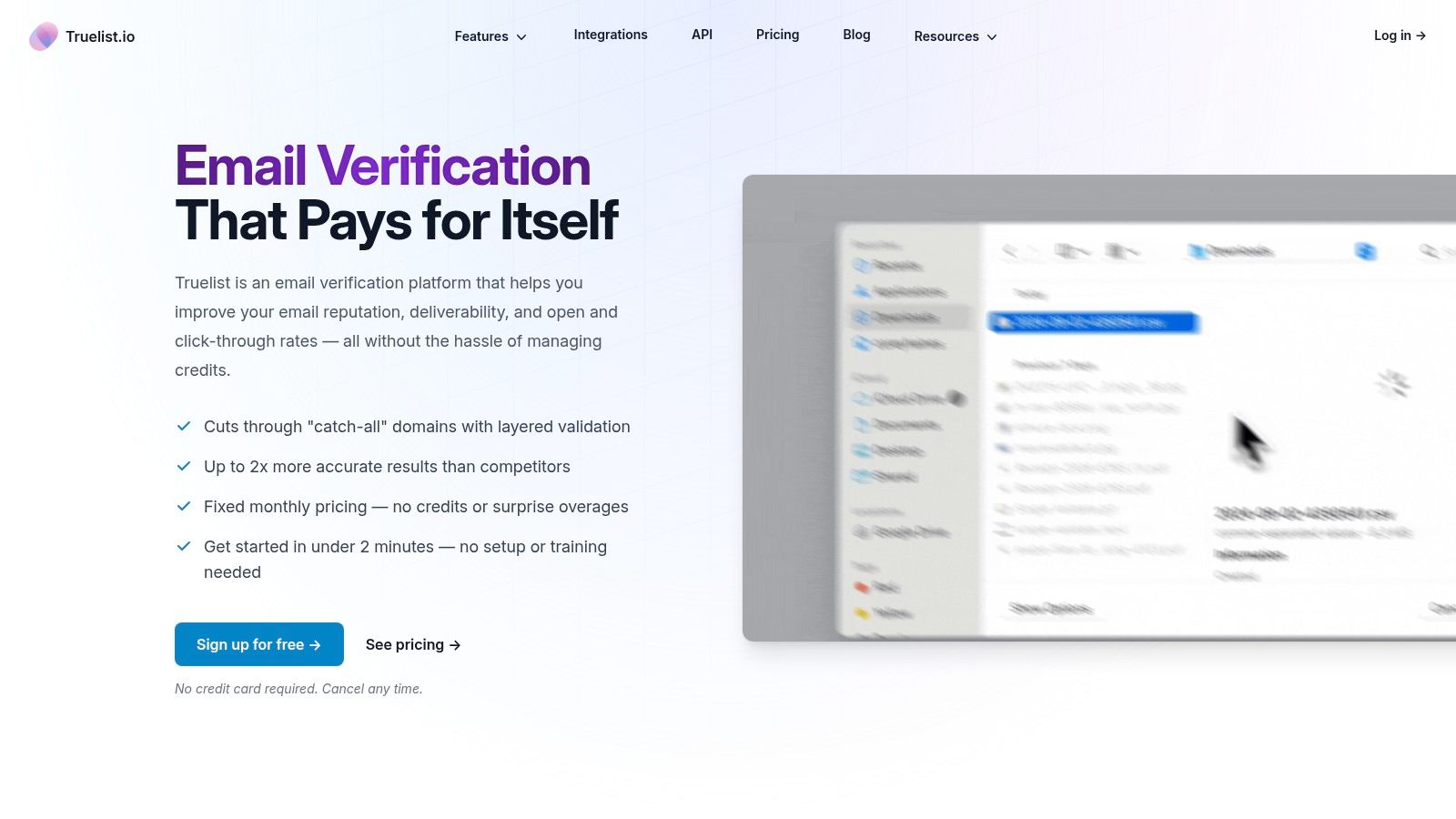
This platform is engineered for superior deliverability, moving beyond basic SMTP checks. Its multi-strategy validation engine is a key differentiator, combining SMTP pings with automated browser checks, third-party API data, breach signals, and DNS/MX inspection. This layered methodology significantly improves the detection of hard-to-identify issues like catch-all servers, disposable domains, and spam traps, ensuring your sender reputation remains protected.
Key Features & Use Cases
Truelist is designed for seamless integration and actionable insights, making it ideal for both automated workflows and bulk list maintenance.
- Real-Time & Automated Validation: The robust API and webhooks are perfect for developers and tech-savvy teams. You can integrate validation directly into signup forms, CRMs, or marketing automation platforms to stop bad data at the source. One-click integrations with tools like Zapier, Mailchimp, ConvertKit, and Clay.com simplify this process for non-developers.
- Comprehensive Reporting: The dashboard provides clear, actionable data, including bounce risk scores, detailed reason codes for invalid emails, and domain quality metrics. This helps you make informed decisions about which contacts to remove or re-engage.
- Bulk List Cleaning: For marketers managing large databases or SDRs preparing for a cold outreach campaign, the bulk upload feature is invaluable. You can quickly process entire lists and export clean segments, a core practice in effective email list cleaning.
Analysis & Recommendation
Pros:
- Flexible Pricing: Pay-as-you-go credits that never expire, plus unlimited plans for high-volume senders, eliminate cost uncertainty and encourage regular list hygiene.
- High-Accuracy Engine: Its multi-layered approach provides more reliable results than basic verifiers.
- Seamless Automation: Developer API, webhooks, and popular integrations streamline data flows between your key platforms.
- Actionable Reporting: Detailed analytics empower users to improve deliverability and measure ROI effectively.
Cons:
- Pricing Transparency: Specific plan pricing is not listed on all marketing pages, requiring a visit to the pricing page or contact with sales for exact costs.
- Technical Integration: Maximizing the platform’s real-time capabilities via API or webhooks may require developer resources.
Website: https://truelist.io
2. Mailchimp
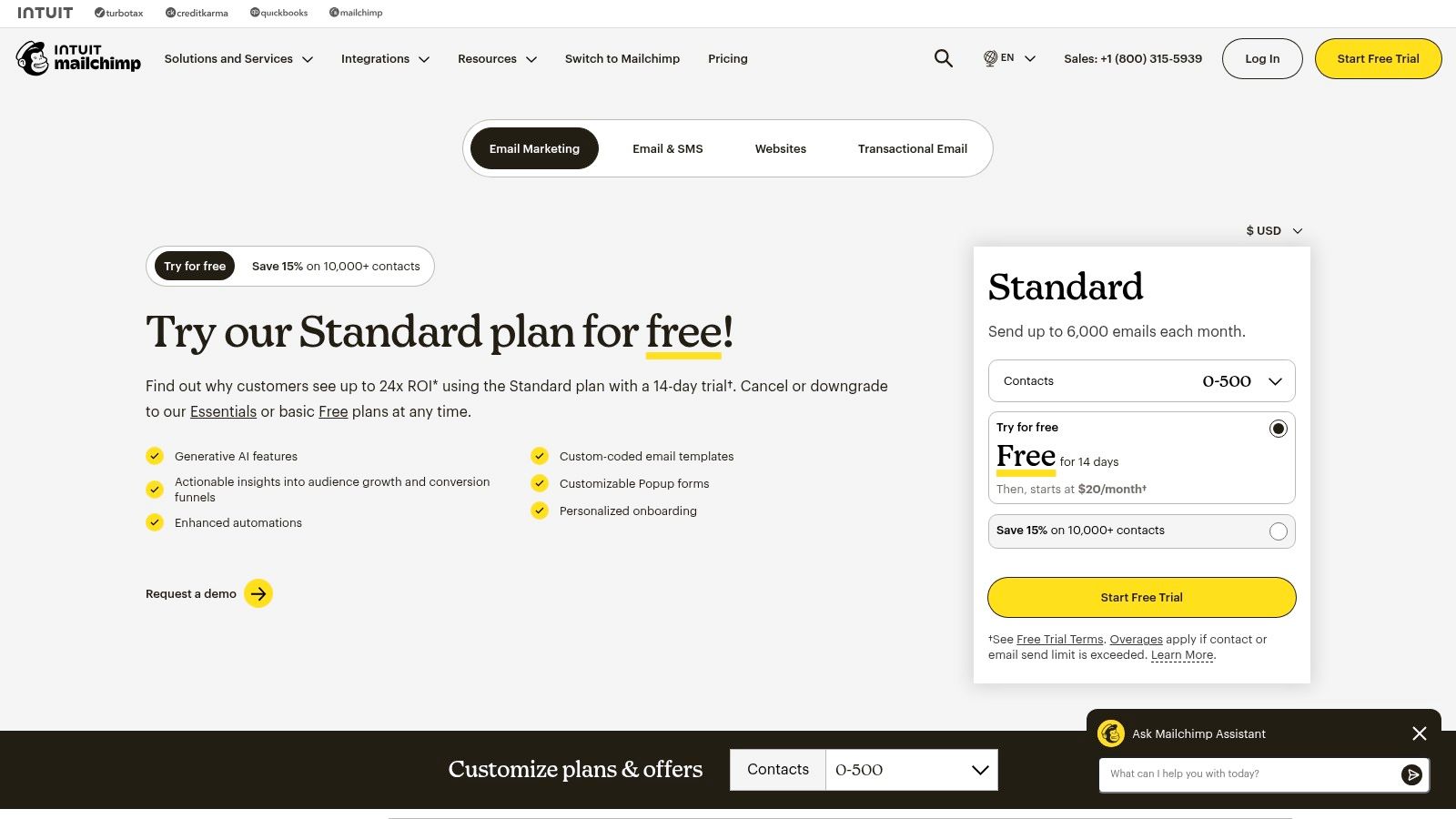
Mailchimp is a powerhouse in the marketing automation space, evolving from a simple email tool into a comprehensive platform for small and medium-sized businesses. It excels at combining a user-friendly drag-and-drop editor with sophisticated features like marketing automation, A/B testing, and AI-powered content generation. This makes it an ideal starting point for businesses looking to centralize their marketing efforts.
The platform’s strength lies in its extensive integration ecosystem, connecting seamlessly with hundreds of ecommerce, CRM, and analytics tools. While not strictly an email list management software for deep cleaning, its segmentation tools are robust, allowing users to create targeted campaigns based on audience behavior and purchase history. This focus on engagement helps maintain list health, a key component of strong deliverability. For more on the signals that drive inbox placement, see our breakdown of the email sender reputation score.
Key Features and Pricing
| Feature | Details |
|---|---|
| Primary Use Case | All-in-one email marketing and automation for SMBs. |
| Key Features | Drag-and-drop builder, marketing automations, A/B testing, large template library, robust analytics. |
| Pricing Model | Tiered pricing starts with a free plan for up to 500 contacts and 1,000 sends/month. Paid plans (Essentials, Standard, Premium) scale based on contact count and feature access. |
| Integrations | Extensive library with over 300 integrations, including Shopify, Salesforce, and Canva. |
Pros:
- User-Friendly Interface: Intuitive and easy for beginners to navigate.
- Vast Integrations: Connects with virtually any major marketing or sales tool.
- Strong Analytics: Provides clear, actionable insights into campaign performance.
Cons:
- Cost: Pricing escalates quickly as your contact list and sending volume grow.
- Limited Free Plan: The free tier includes Mailchimp branding and has tight caps on contacts and sends.
Website: https://mailchimp.com/pricing/marketing/
3. Constant Contact
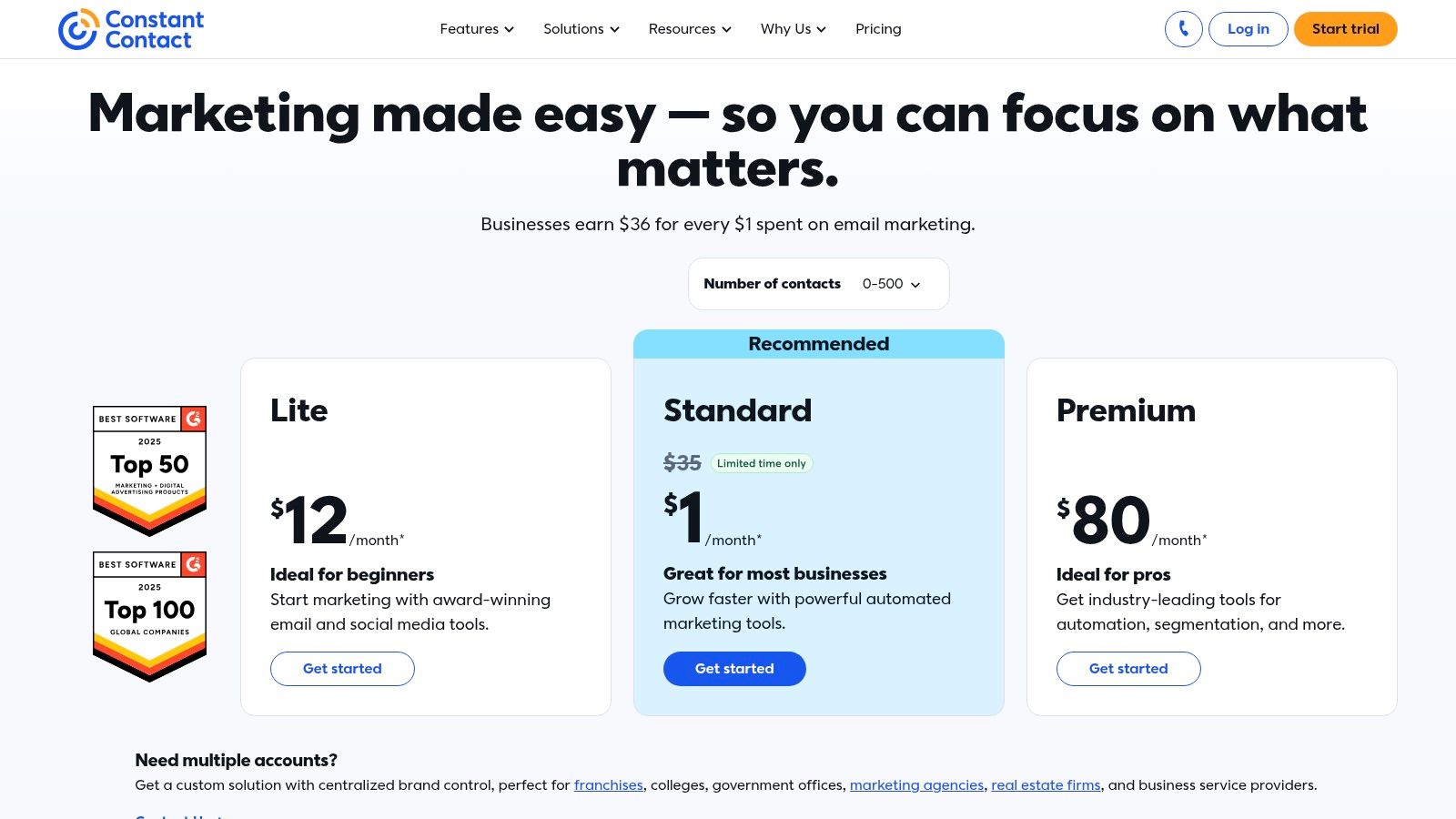
Constant Contact has been a trusted name in the email marketing world for decades, carving out a niche by focusing on the needs of small businesses and non-profit organizations. It combines email marketing with event management, social media tools, and survey capabilities, all backed by notably strong customer support. This makes it an excellent choice for users who value hands-on guidance and an all-in-one toolkit for audience engagement.
While its core function is email creation and sending, the platform provides solid tools for list growth and segmentation. Its contact management features allow you to organize subscribers using tags and custom fields, which is essential for targeted campaigns. As an email list management software, its strength lies in its user-friendly approach to building and maintaining a healthy list from the ground up, supported by accessible live chat and phone support for those who need it. The platform also offers a 30-day money-back guarantee, allowing new users to test its full capabilities risk-free.
Key Features and Pricing
| Feature | Details |
|---|---|
| Primary Use Case | Email marketing with strong support for small businesses and nonprofits. |
| Key Features | Drag-and-drop editor, event management tools, social posting, survey creation, SMS marketing add-on. |
| Pricing Model | Three core plans (Lite, Standard, Premium) priced by contact count. Discounts are available for nonprofits and annual prepayment. |
| Integrations | Integrates with key platforms like Shopify, Etsy, Salesforce, and social media networks. |
Pros:
- Strong Onboarding and Live Support: Excellent phone and chat support is a key differentiator.
- Nonprofit and Prepay Discounts: Offers accessible pricing for specific organizations and commitments.
- Integrated Event Management: A unique feature for businesses that run workshops or events.
Cons:
- Cost: Pricing can become expensive as your list grows into higher tiers.
- Limited Advanced Automations: Automation capabilities are less sophisticated than some competitors.
Website: https://www.constantcontact.com/pricing
4. Brevo (formerly Sendinblue)
Brevo, formerly known as Sendinblue, has established itself as a versatile all-in-one marketing platform. Its unique selling proposition is a pricing model based on email volume rather than contact count, which can be highly cost-effective for users with large contact lists but moderate sending frequencies. This approach makes it an attractive option for businesses looking to scale their marketing efforts without being penalized for growing their audience.
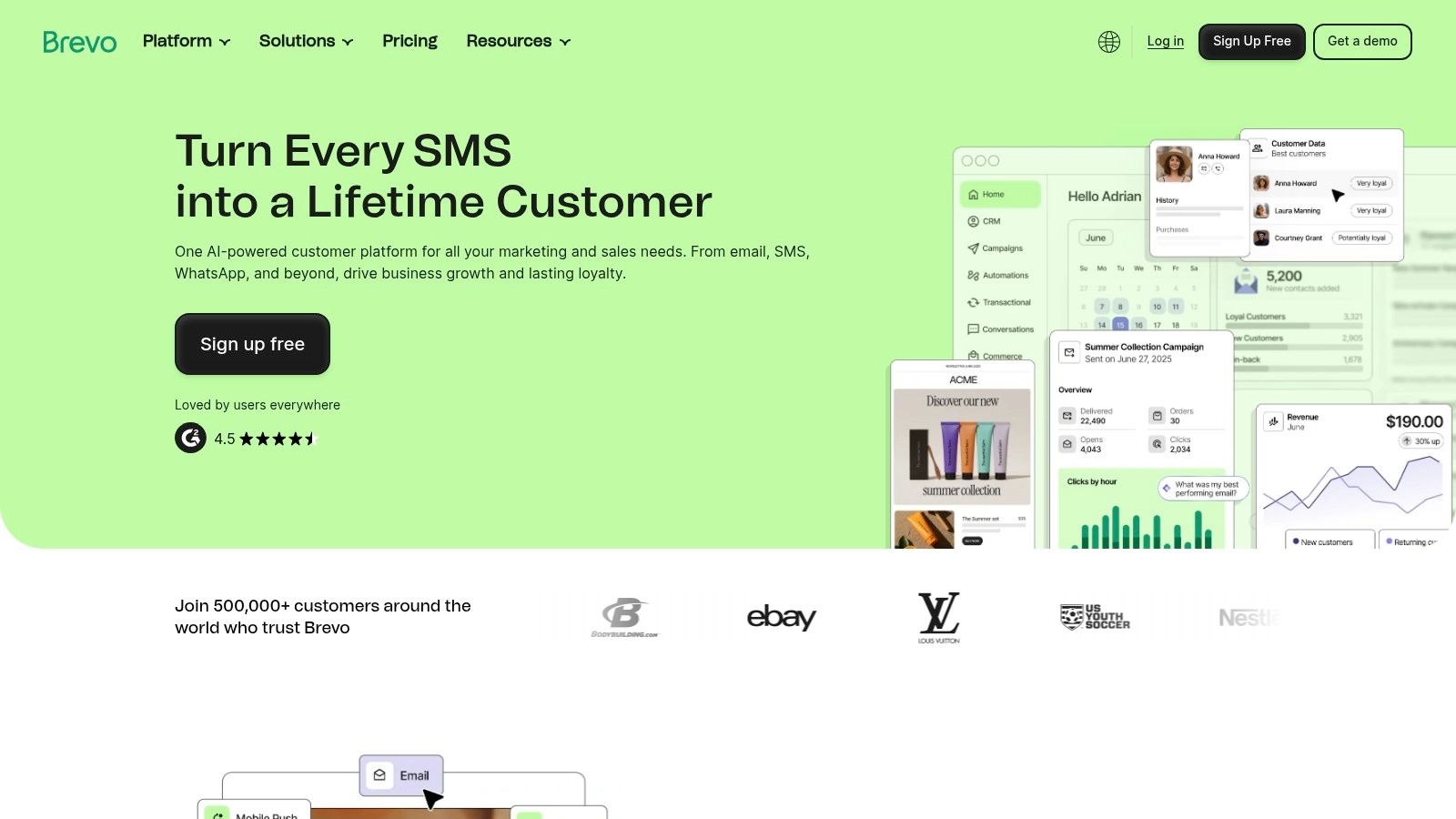
The platform extends beyond email to include SMS, WhatsApp, web push notifications, and live chat, creating a unified hub for customer communication. While it is not a dedicated list cleaning tool, its segmentation and automation features are robust, allowing users to create dynamic lists based on subscriber behavior and engagement. This focus on multichannel engagement makes it a strong contender for those needing more than just a standard email list management software solution. For users managing large lists, this volume-based pricing model offers predictable costs.
Key Features and Pricing
| Feature | Details |
|---|---|
| Primary Use Case | All-in-one marketing platform with volume-based pricing for multichannel campaigns. |
| Key Features | Marketing automation, A/B testing, SMS and WhatsApp campaigns, CRM, send-time optimization on higher tiers. |
| Pricing Model | Starts with a free plan for up to 300 emails/day. Paid plans (Starter, Business, Brevo Plus) are based on email volume and feature sets. |
| Integrations | Integrates with major platforms like Shopify, WordPress, Salesforce, and Zapier. |
Pros:
- Cost-Efficient Pricing: Pricing based on email volume is beneficial for those with large lists and controlled sending schedules.
- Multichannel Support: Consolidates email, SMS, WhatsApp, and web push notifications into one platform.
- Generous Free Plan: The free tier offers core features, although with a daily sending cap.
Cons:
- Tiered Feature Access: Key features like A/B testing and advanced automation are restricted to higher-priced plans.
- Daily Send Cap: The free plan’s daily limit of 300 emails can be restrictive for active campaigns.
Website: https://www.brevo.com
5. ActiveCampaign
ActiveCampaign is a customer experience automation platform that combines email marketing with powerful sales and CRM features. It’s designed for businesses that want to move beyond simple newsletters and implement sophisticated, lifecycle-based communication. The platform’s core strength is its visual automation builder, which allows users to create deeply personalized customer journeys triggered by a wide range of behaviors and data points.
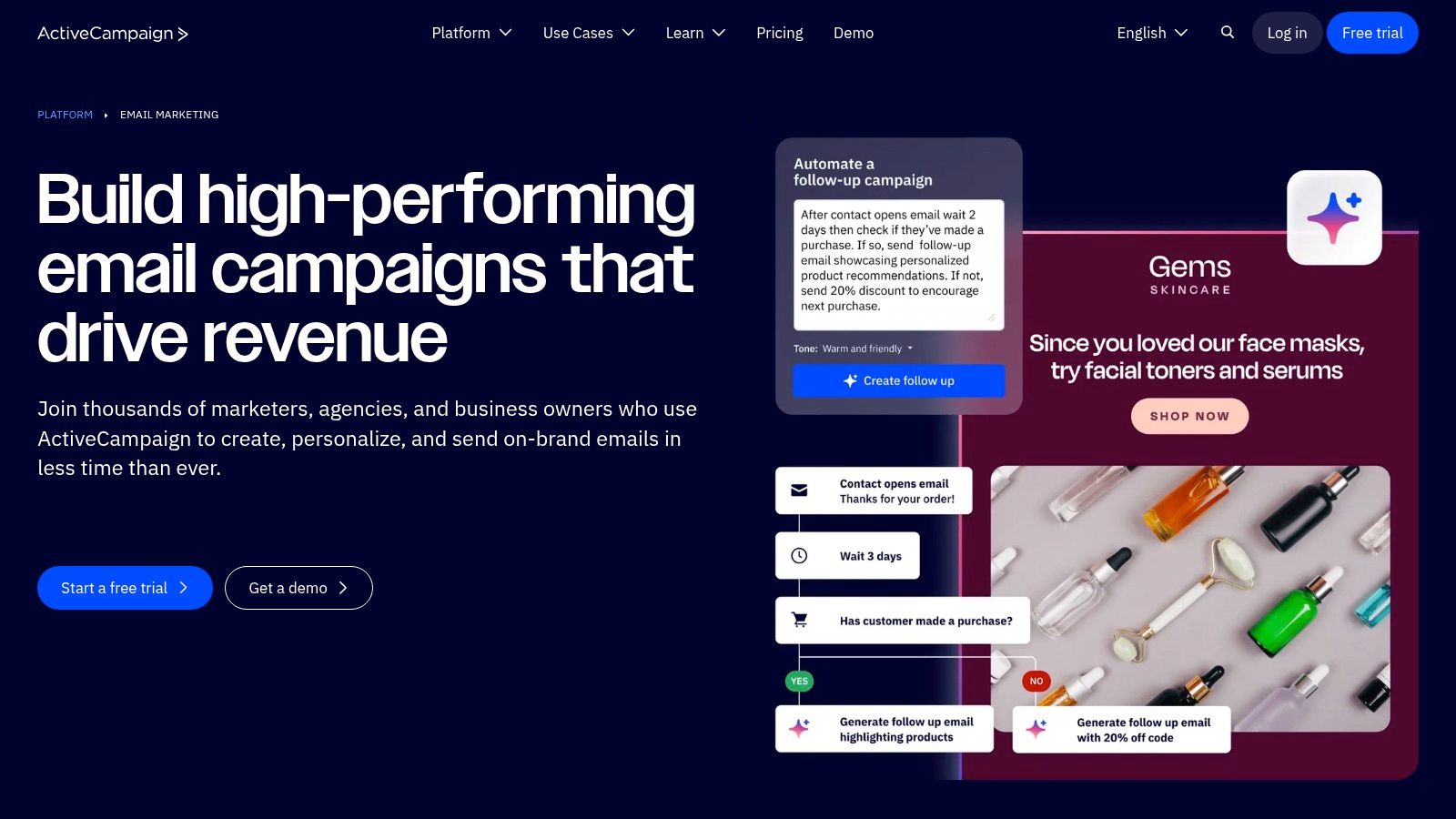
While offering comprehensive marketing tools, ActiveCampaign also functions as a powerful email list management software through its advanced segmentation and conditional content capabilities. Users can create dynamic lists that update automatically based on engagement, purchase history, or CRM data. This focus on segmentation is crucial for maintaining a healthy and engaged audience. For a side-by-side look at how the major platforms compare on segmentation and pricing, see our email marketing platforms comparison.
Key Features and Pricing
| Feature | Details |
|---|---|
| Primary Use Case | Advanced marketing and sales automation for growing businesses. |
| Key Features | Visual automation builder, deep segmentation, conditional content, integrated CRM, lead scoring. |
| Pricing Model | Tiered pricing based on contact count and feature set (Marketing or Sales bundles). A 14-day free trial is available. |
| Integrations | Over 900 integrations, including Shopify, Salesforce, WordPress, and Zapier. |
Pros:
- Powerful Automation: The visual workflow builder is among the most flexible and robust in the industry.
- Integrated CRM: Combines marketing and sales automation in one platform for a unified customer view.
- Strong Support: Offers migration services and 1:1 coaching to help new users get started.
Cons:
- Can Be Complex: The sheer number of features can present a steep learning curve for beginners.
- Pricing Structure: Costs can increase significantly as your list grows or if you need advanced features from higher-tier plans.
Website: https://www.activecampaign.com/platform/email-marketing
6. MailerLite
MailerLite positions itself as a streamlined and affordable email marketing solution, appealing to small businesses, creators, and freelancers. It stands out by combining a clean, intuitive user interface with powerful features like automation, landing pages, and even simple e-commerce functionality. This makes it a compelling choice for users who need more than basic email sending without the complexity or cost of larger platforms.
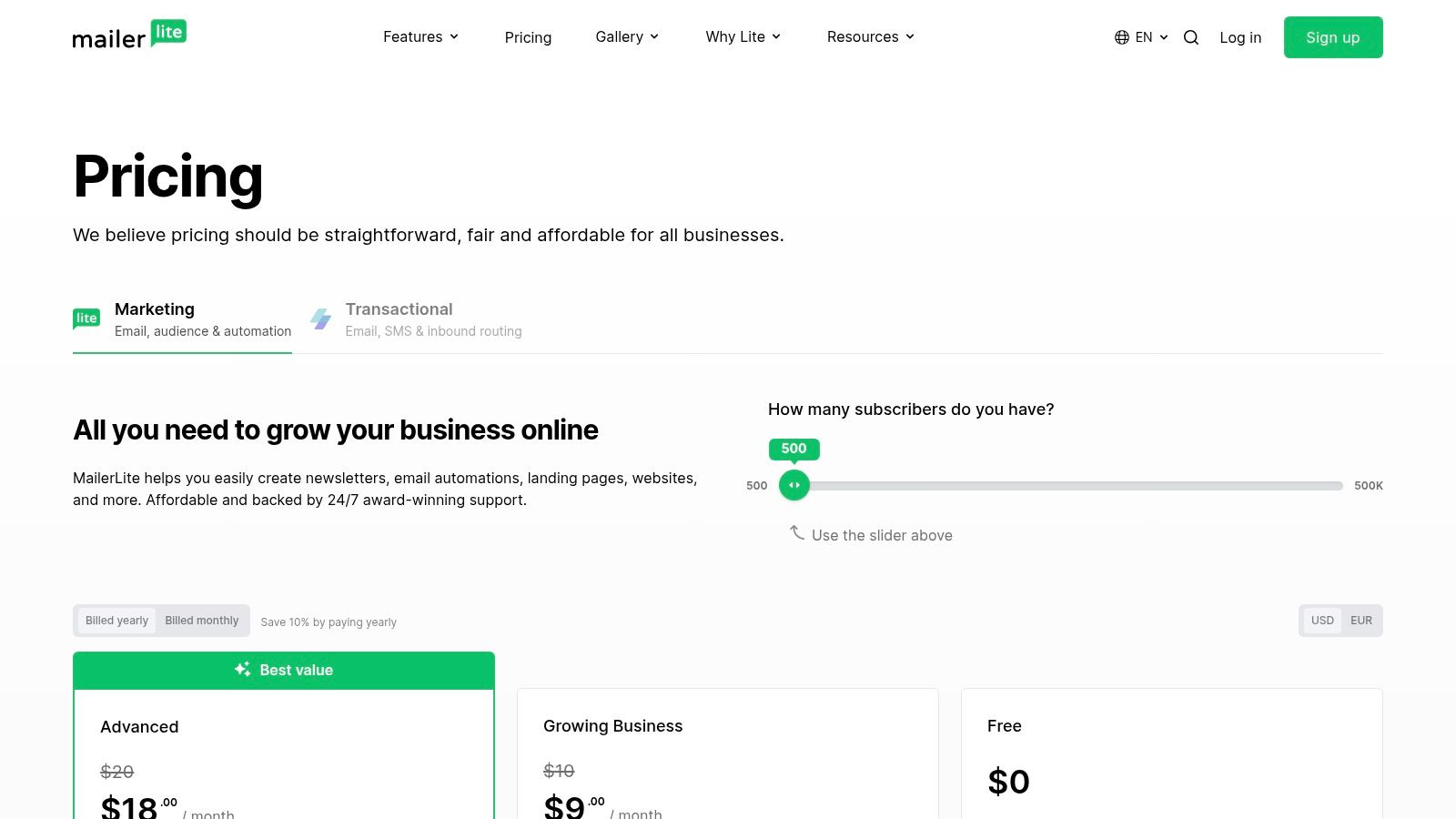
While MailerLite is a comprehensive marketing tool, its approach to email list management software is built around simplicity and growth. Users can easily manage subscribers, create segments based on behavior or custom fields, and use automation to nurture leads. Its generous free plan and straightforward paid tiers make it an accessible entry point for building and maintaining a healthy email list from the ground up, with 24/7 support available on all paid plans to guide users as they scale.
Key Features and Pricing
| Feature | Details |
|---|---|
| Primary Use Case | Affordable email marketing and automation for creators and small businesses. |
| Key Features | Drag-and-drop editor, marketing automation, landing page builder, website builder, digital products selling. |
| Pricing Model | Starts with a free plan for up to 500 subscribers and 12,000 emails/month. Paid plans (Growing Business, Advanced) scale with subscriber count. An Enterprise plan is available for over 100,000 subscribers. |
| Integrations | Connects with popular tools like Shopify, WordPress, Zapier, and Stripe. |
Pros:
- Very Competitive Pricing: Offers a generous free plan and affordable paid tiers with a clear structure.
- Clean User Interface: The platform is easy to learn and navigate, making it ideal for small teams and solo creators.
- All-in-One Features: Includes landing pages, websites, and e-commerce tools within the platform.
Cons:
- Limited E-commerce Flows: Fewer native e-commerce-specific automations compared to dedicated e-commerce marketing platforms.
- Advanced Features Gated: Some capabilities, like the custom HTML editor and advanced automations, are restricted to the highest-tier plan.
Website: https://www.mailerlite.com/pricing
7. Kit (formerly ConvertKit)
Kit, formerly known as ConvertKit, is a creator-centric email platform designed specifically for bloggers, artists, and online course creators. It stands out by focusing on audience monetization through built-in commerce tools for selling digital products and subscriptions. The platform combines powerful automation and segmentation with an interface that prioritizes simplicity, making it ideal for individuals who want to build a direct relationship with their audience and turn their passion into a business.
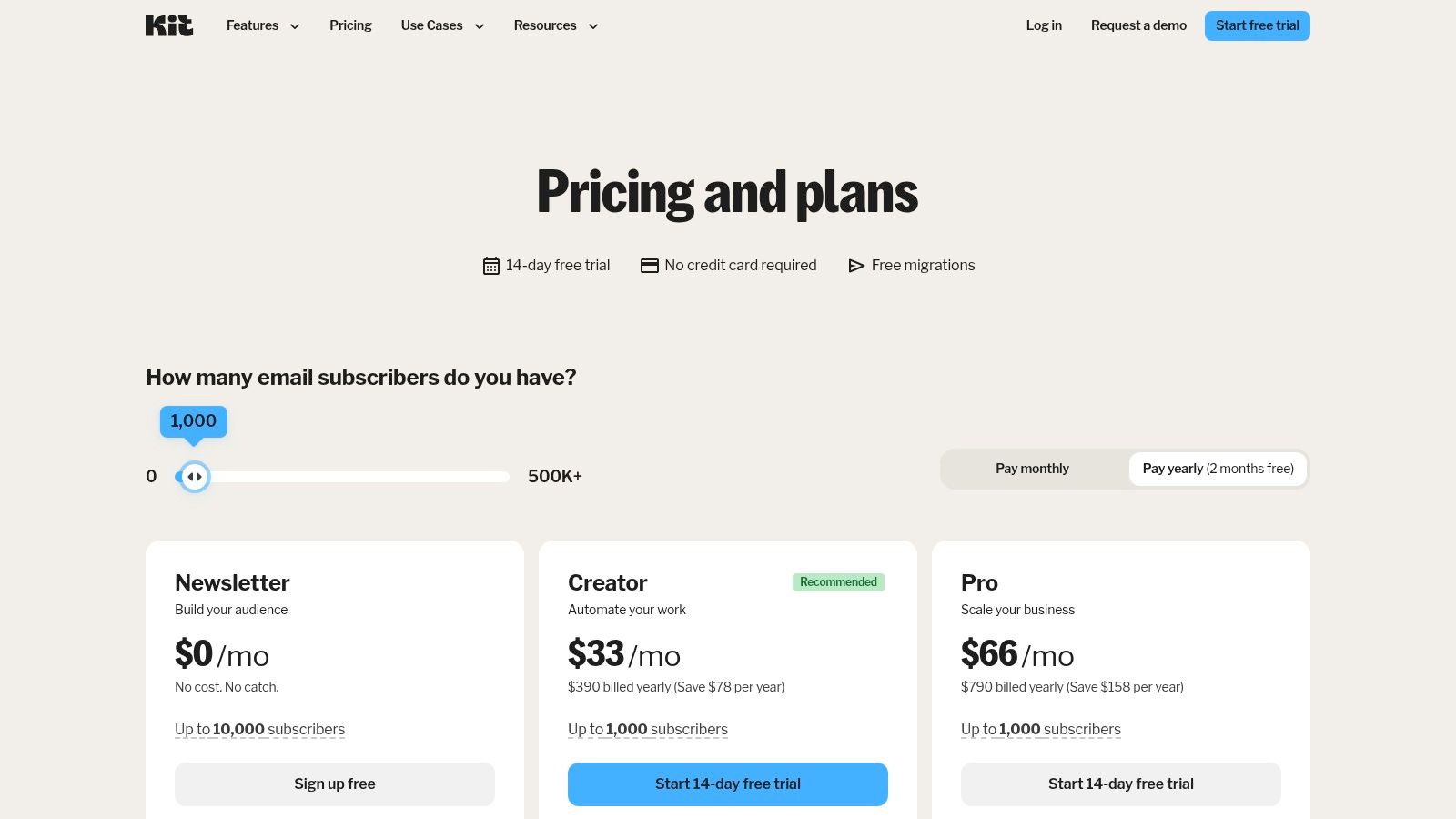
While Kit is a full-featured email service provider, its approach to email list management software is tailored for the creator economy. Instead of complex contact-based pricing tiers from the start, it offers a generous free Newsletter plan for up to 10,000 subscribers, encouraging growth. Its tagging and segmentation features are robust, allowing creators to organize their audience based on interests and purchase behavior, which is crucial for delivering personalized content and targeted sales pitches.
Key Features and Pricing
| Feature | Details |
|---|---|
| Primary Use Case | Email marketing and monetization for creators, newsletters, and digital product sellers. |
| Key Features | Visual automation builder, flexible tagging and segmentation, built-in landing pages, commerce tools for selling digital products/subscriptions. |
| Pricing Model | Starts with a free ‘Newsletter’ plan for up to 10,000 subscribers. Paid ‘Creator’ and ‘Creator Pro’ tiers unlock advanced features and scale based on subscriber count. |
| Integrations | Connects with creator-focused platforms like Teachable, Shopify, and Gumroad. |
Pros:
- Creator-Focused: Built-in commerce and monetization tools are perfect for individual creators.
- Generous Free Plan: The Newsletter plan supports up to 10,000 subscribers, enabling significant audience growth.
- Powerful Automations: Easy-to-use visual editor for building complex subscriber journeys.
Cons:
- Higher Cost at Scale: Paid plans can be more expensive than some SMB-focused tools for similar list sizes.
- Advanced Features Gated: Key analytics and A/B testing functionalities are reserved for the highest-tier plan.
Website: https://kit.com/pricing
8. Klaviyo
Klaviyo is a marketing automation platform built from the ground up for ecommerce businesses. It excels at unifying customer data from various sources into a single view, enabling highly personalized email and SMS campaigns. Its deep integrations, particularly with Shopify, allow for powerful segmentation based on browsing behavior, purchase history, and predicted customer lifetime value, making it a go-to for data-driven online stores.
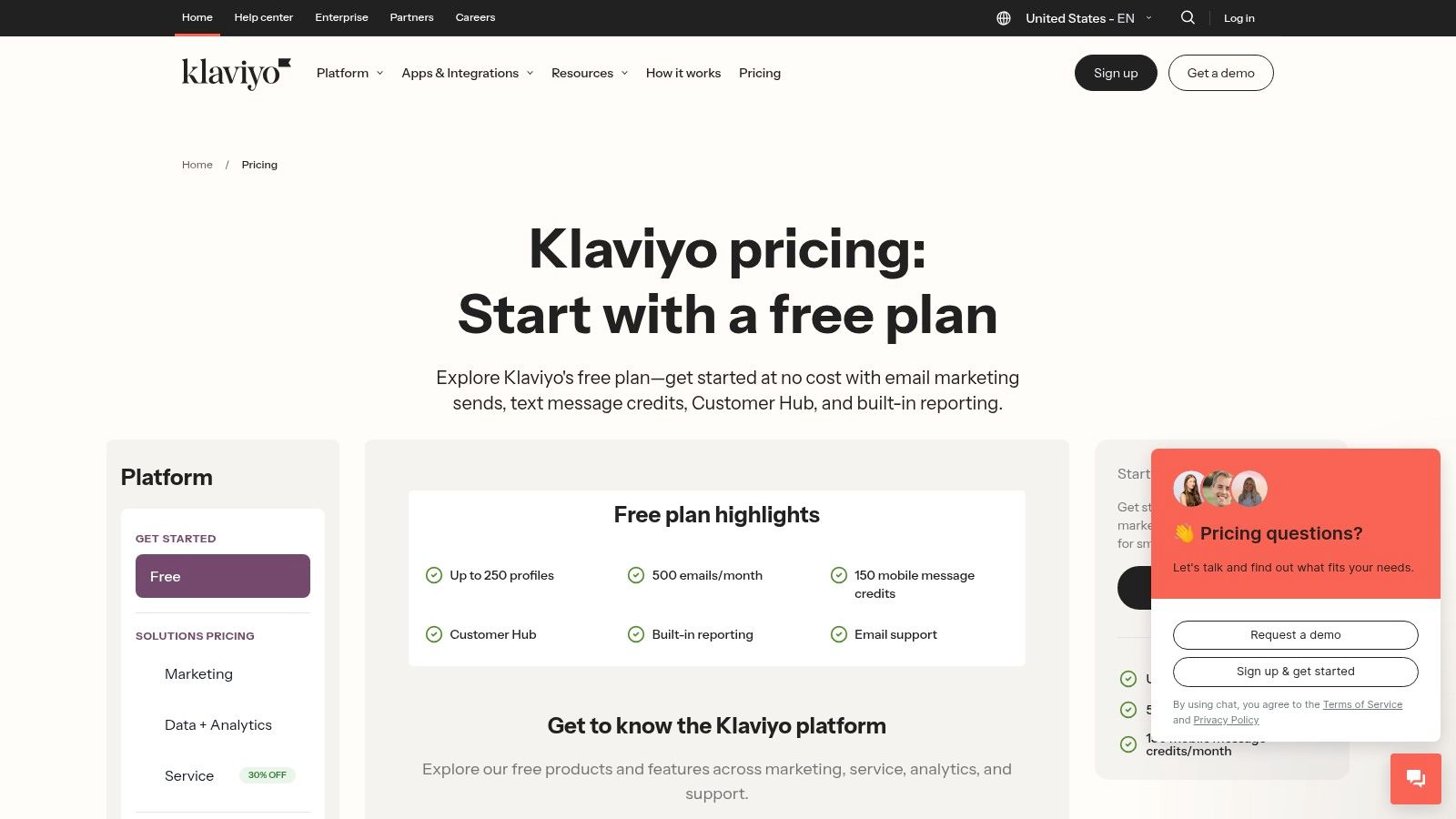
The platform’s strength is its ability to directly tie marketing efforts to revenue. While not a dedicated list cleaning service, its advanced segmentation and lifecycle flows help maintain a healthy, engaged audience, which is a core part of effective email list management software. By focusing on active, high-intent profiles and automating communication for different customer journey stages like cart abandonment or post-purchase follow-ups, Klaviyo helps brands maximize their ROI from their contact lists.
Key Features and Pricing
| Feature | Details |
|---|---|
| Primary Use Case | Advanced email and SMS marketing automation for ecommerce. |
| Key Features | Deep ecommerce integrations, advanced segmentation, automated lifecycle flows, multi-channel messaging (email, SMS), and direct revenue tracking. |
| Pricing Model | Tiered pricing based on active profiles. A free plan is available for up to 250 contacts and 500 email sends. Paid plans scale with contact and SMS message volume. |
| Integrations | Over 350 integrations with a strong focus on ecommerce platforms like Shopify, BigCommerce, and Magento, plus options for CDP and analytics add-ons. |
Pros:
- Ecommerce Focus: Best-in-class segmentation and revenue attribution for online stores.
- Multi-Channel Native: Seamlessly integrates email, SMS, and push notifications in one platform.
- Powerful Automations: Sophisticated flow builder for creating complex customer journeys.
Cons:
- High Cost: Pricing scales quickly with a growing number of active profiles and SMS sends.
- Paid Add-ons: Some advanced analytics and CDP features require additional investment.
Website: https://www.klaviyo.com/pricing
9. GetResponse
GetResponse positions itself as a comprehensive marketing suite that extends far beyond standard email campaigns. It integrates email marketing, automation, conversion funnels, webinars, and even a course creator into a single platform. This makes it a strong contender for businesses and entrepreneurs who want to manage their entire marketing and sales funnel, from lead capture to customer education, within one ecosystem.
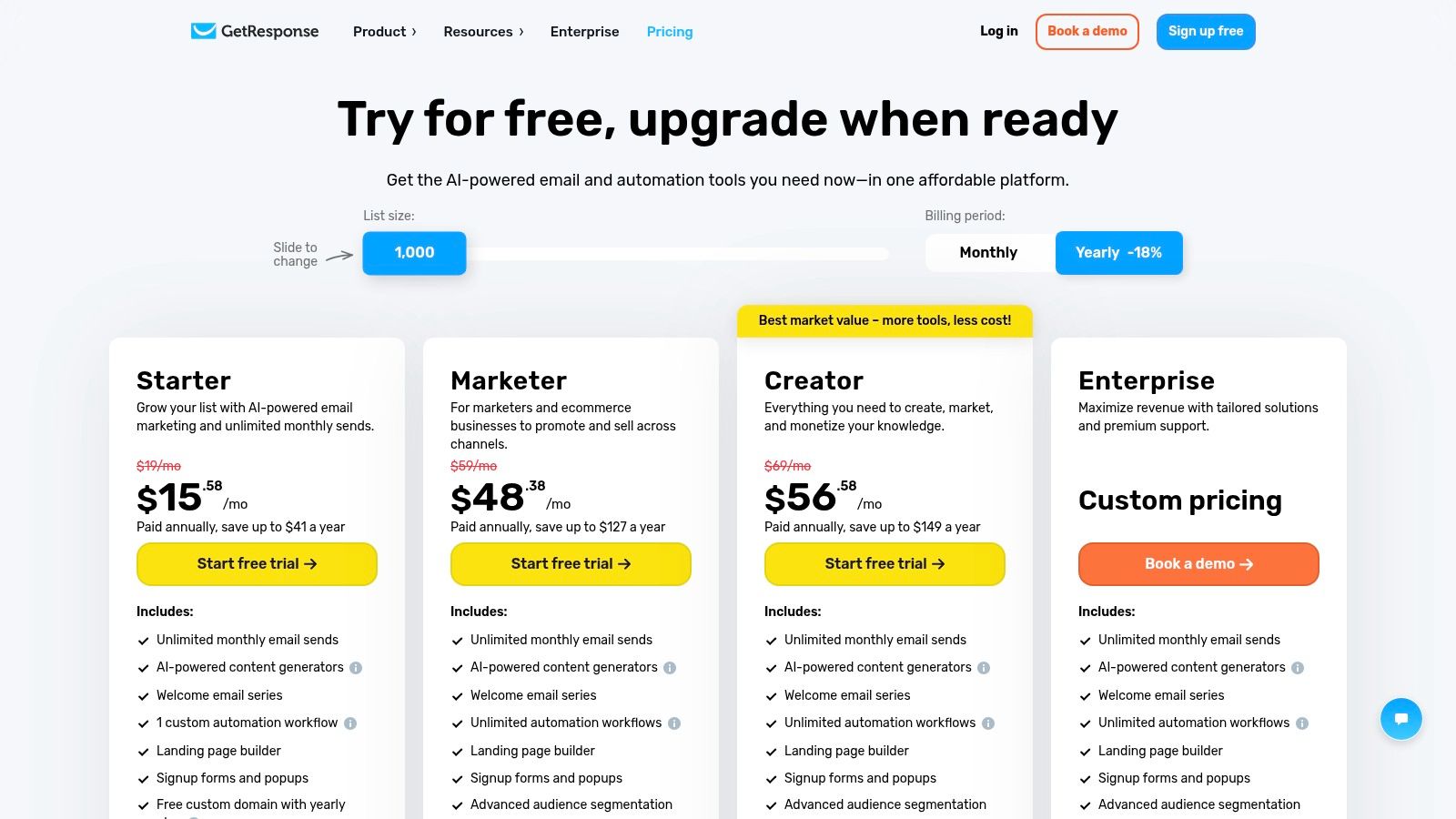
While its feature set is broad, GetResponse offers solid list management capabilities. You can segment contacts based on their engagement, demographics, and actions within your funnels or webinars. As a piece of email list management software, its main value is in helping you build and nurture a list through its diverse engagement tools. The inclusion of ecommerce features like abandoned cart reminders and promo codes also allows for highly targeted list segmentation based on purchasing behavior.
Key Features and Pricing
| Feature | Details |
|---|---|
| Primary Use Case | All-in-one marketing platform for email, funnels, webinars, and courses. |
| Key Features | Email marketing automation, conversion funnels, webinar hosting, course creator, AI content tools, ecommerce features. |
| Pricing Model | Tiered pricing (Marketing Automation, Ecommerce Marketing, MAX) starts with a free plan for up to 500 contacts and 2,500 newsletters/month. Paid plans offer unlimited sends and scale with contact count. |
| Integrations | Connects with popular tools like Shopify, Magento, Salesforce, and Zapier to sync customer data. |
Pros:
- Broad Feature Set: Combines email, funnels, and webinars in one tool.
- Unlimited Sends: All paid plans include unlimited monthly email sends, which is great for high-frequency senders.
- Integrated Funnels: Provides a seamless way to build lists and guide them through a sales process.
Cons:
- Complexity: The wide range of features can be overwhelming for users who only need email marketing.
- Cost Creep: The price can increase significantly with add-ons and larger contact tiers.
Website: https://www.getresponse.com/pricing
10. AWeber
AWeber is a veteran in the email marketing industry, known for its reliable deliverability and straightforward approach. While it offers a full suite of marketing tools like templates and landing pages, its core strength lies in providing a solid foundation for list management. It appeals to businesses that value dependability and proven performance over the latest design trends.
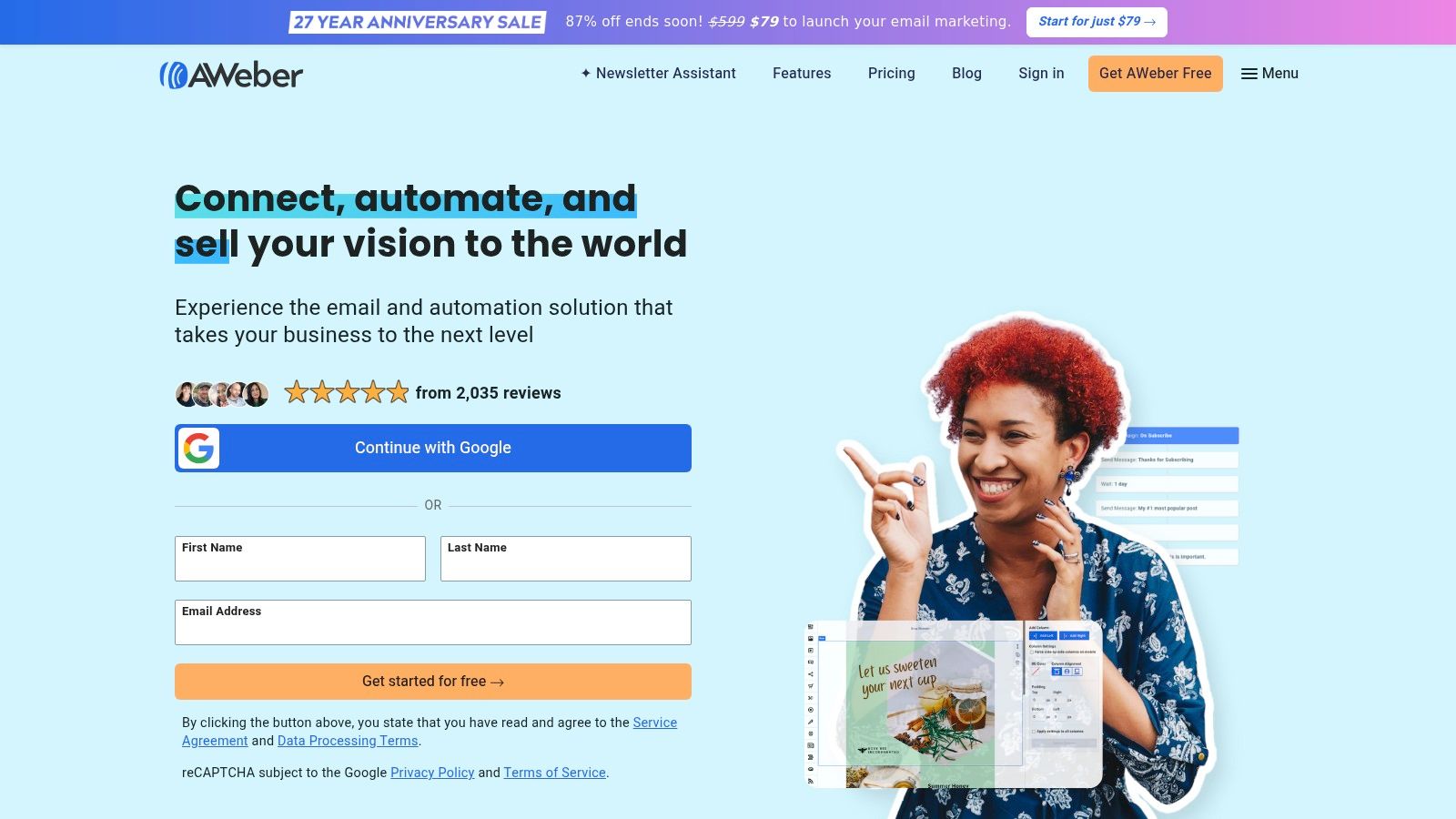
The platform focuses on essential features that support healthy list growth and segmentation without overwhelming users. For those seeking robust email list management software, AWeber provides dependable automation and tagging capabilities to keep audiences organized. Its long history in the industry has given it a reputation for strong deliverability, which is a critical factor for any serious email marketer looking to maximize inbox placement.
Key Features and Pricing
| Feature | Details |
|---|---|
| Primary Use Case | Reliable email marketing and list management for small businesses and creators. |
| Key Features | Email automation, segmentation and tagging, large template library, landing page builder, ecommerce tools. |
| Pricing Model | Offers Free, Lite, Plus, and a high-volume ‘Unlimited’ plan. Send limits are tied to subscriber count, with paid plans starting at a low price point. |
| Integrations | Connects with many popular platforms like Shopify, WordPress, PayPal, and Zapier. |
Pros:
- Dependable Deliverability: Long track record of strong inbox placement.
- Straightforward Plans: Easy-to-understand pricing tiers, including a flat-rate unlimited plan for large senders.
- Solid Support: Known for its responsive and helpful customer support team.
Cons:
- Traditional UI: The user interface can feel dated compared to more modern competitors.
- Feature Gating: Some advanced automation and segmentation features are reserved for the higher-tier Plus plan.
Website: https://www.aweber.com
11. Campaign Monitor
Campaign Monitor is a polished email marketing platform that shines with its emphasis on high-quality design, reliable sending, and straightforward automation. It is a preferred choice for teams and agencies that prioritize beautiful, professional-looking templates and predictable pricing plans, making it easy to create visually stunning campaigns without a steep learning curve.
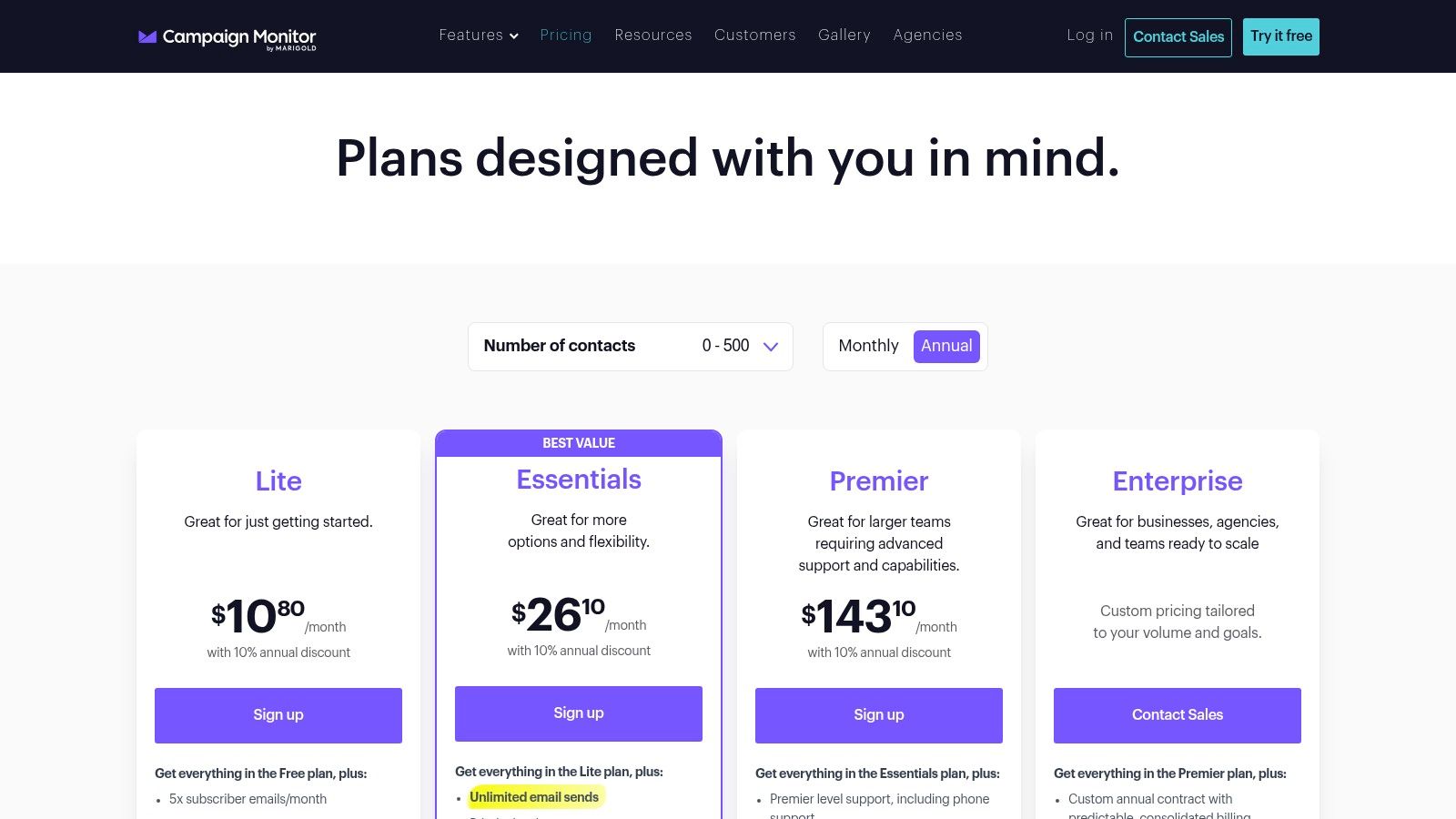
The platform offers a strong visual editor with helpful features like inbox previews to ensure your emails look great everywhere. While its segmentation and list management capabilities are solid for general marketing, it’s more of a complete sending platform than a specialized email list management software for deep list hygiene. Its strong suit is providing a dependable and user-friendly environment for creating and sending engaging email campaigns, supported by a good library of integrations.
Key Features and Pricing
| Feature | Details |
|---|---|
| Primary Use Case | Design-focused email marketing for agencies and businesses. |
| Key Features | High-quality templates, visual drag-and-drop editor, inbox previews, multi-user roles, and straightforward automation journeys. |
| Pricing Model | Tiered pricing (Lite, Essentials, Premier) that scales with contact count. A free trial is available, and discounts are offered for nonprofit organizations. |
| Integrations | Over 250 integrations with popular tools like Salesforce, Shopify, and WordPress. |
Pros:
- High-Quality Templates: Industry-leading designs and a powerful visual editor.
- Predictable Plans: Straightforward pricing and savings available for nonprofits.
- User-Friendly: The interface is clean and easy for teams to adopt.
Cons:
- Fewer Native Automations: Lacks some of the advanced, native ecommerce automations found in more specialized platforms.
- Add-On Features: Some advanced functionality, like transactional email, is offered as a separate add-on.
Website: https://www.campaignmonitor.com/pricing/
12. HubSpot Marketing Hub
HubSpot Marketing Hub integrates email marketing directly into its powerful CRM platform, creating a unified system for managing customer relationships. It’s designed for teams that need email, forms, ads, and reporting all tied to a central contact database. This approach allows for sophisticated segmentation and personalization based on the entire customer lifecycle, not just email interactions.
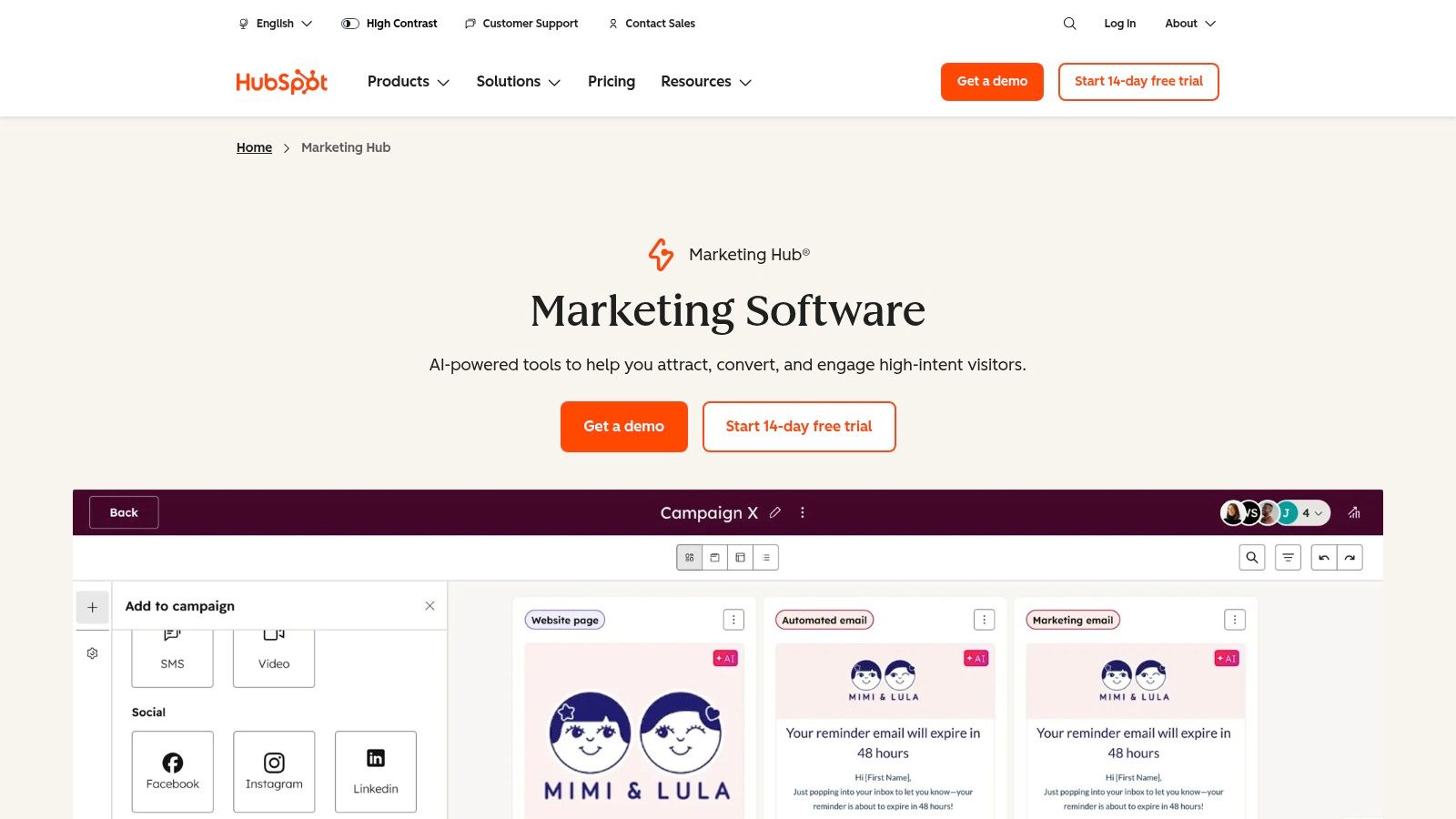
The platform’s core strength is its deep CRM integration, enabling complex customer journeys and advanced attribution reporting. While not a dedicated list cleaning tool, HubSpot’s robust analytics and contact management features help maintain a healthy database. As a comprehensive email list management software, it excels at turning contact data into highly targeted and automated marketing campaigns that scale with your business’s growth.
Key Features and Pricing
| Feature | Details |
|---|---|
| Primary Use Case | All-in-one CRM and marketing automation for growing teams. |
| Key Features | Deep CRM integration, customer journey mapping, advanced analytics, attribution reporting, marketing automation. |
| Pricing Model | Starts with free marketing tools (with HubSpot branding). Paid tiers (Starter, Professional, Enterprise) scale based on contact count and feature access. |
| Integrations | Extensive App Marketplace with hundreds of native integrations for sales, service, and operations tools. |
Pros:
- Single Unified Platform: Combines a powerful CRM with comprehensive marketing automation tools.
- Scalability: Scales effectively to handle complex reporting, attribution, and multi-channel workflows.
- Deep Customer Insights: Leverages full CRM data for highly personalized campaigns.
Cons:
- Costly at Scale: Can become expensive as you add more contacts and premium features.
- Onboarding Fees: Higher-tier plans often come with mandatory and costly onboarding fees.
Website: https://www.hubspot.com/products/marketing
Top 12 Email List Management Tools: Feature Comparison
| Product | Core features | ★ Quality | 💰 Value | 👥 Target audience | ✨ USP |
|---|---|---|---|---|---|
| Truelist 🏆 | Real-time multi-layer validation (SMTP, DNS, browser, breach, API) | ★★★★★ | 💰 Credits that never expire + unlimited plans, no overages | 👥 SDRs, email marketers, devs, growth teams | ✨ Flexible pricing, one‑click integrations, GDPR‑compliant |
| Mailchimp | Drag‑drop editor, automations, A/B testing, templates | ★★★★ | 💰 Freemium → scales with contacts (can get costly) | 👥 SMBs, ecommerce beginners | ✨ Huge integration ecosystem, AI content |
| Constant Contact | Email + event tools, templates, phone/chat support | ★★★ | 💰 Tiered plans; costs rise with list size | 👥 Small businesses, nonprofits | ✨ Strong onboarding & live support |
| Brevo (Sendinblue) | Email, SMS, WhatsApp, marketing automation | ★★★★ | 💰 Volume‑based pricing (email credits) — can be cost‑efficient | 👥 Multichannel marketers, SMBs | ✨ Multichannel sends + send‑time optimization |
| ActiveCampaign | Visual automation builder, CRM, segmentation | ★★★★★ | 💰 Contact‑based; pricing grows with list size | 👥 Lifecycle marketers, sales teams | ✨ Deep automations + integrated CRM |
| MailerLite | Simple automations, landing pages, ecommerce basics | ★★★★ | 💰 Very competitive entry pricing; free tier 500 subs | 👥 Small teams, creators | ✨ Clean UI, straightforward pricing |
| Kit (formerly ConvertKit) | Newsletter-first, automations, commerce tools | ★★★★ | 💰 Free newsletter tier up to 10k; paid plans higher | 👥 Creators, paid-newsletter authors | ✨ Built‑in commerce & audience monetization |
| Klaviyo | Email + SMS, advanced segmentation, revenue tracking | ★★★★★ | 💰 Priced by active profiles; can be expensive at scale | 👥 Ecommerce stores, Shopify merchants | ✨ Best‑in‑class ecommerce attribution |
| GetResponse | Email, funnels, webinars, course creator, AI tools | ★★★★ | 💰 Unlimited sends on paid tiers; add‑ons increase cost | 👥 Marketers needing funnels/webinars | ✨ Webinars + course builder in one suite |
| AWeber | Templates, landing pages, list management, ecommerce | ★★★ | 💰 Tiered plans; flat‑rate unlimited option available | 👥 Small businesses, traditional marketers | ✨ Longstanding deliverability & reliability |
| Campaign Monitor | High‑quality templates, visual editor, inbox previews | ★★★★ | 💰 Predictable plans by contact count | 👥 Design-focused teams, agencies | ✨ Beautiful templates & strong design tools |
| HubSpot Marketing Hub | CRM‑integrated email, journeys, attribution reporting | ★★★★★ | 💰 Free tools → can be expensive at scale; onboarding fees | 👥 Midmarket → enterprise, CRM-driven teams | ✨ Unified CRM + advanced attribution and reporting |
ESP vs. List-Management Tool: A Critical Distinction
Buyers often conflate two very different products under the “email list management software” umbrella, which produces stacks that are either redundant or full of holes. Be precise:
An ESP (Email Service Provider) — Mailchimp, Klaviyo, ActiveCampaign, HubSpot, Brevo, MailerLite, Kit, AWeber, Campaign Monitor, GetResponse, Constant Contact — is your sending platform. It stores subscribers, builds segments, runs automations, manages unsubscribes, and pushes mail through sending infrastructure.
A list-hygiene / validation tool — like Truelist — does not store your list as a system-of-record and does not send email. Its only job is to inspect each address and tell you whether sending to it will help or hurt your sender reputation. It plugs into your ESP, your signup form, your CRM, or your CSV workflow.
A CRM or CDP — Salesforce, HubSpot CRM, Segment — is the system-of-record for the customer relationship across channels.
Honest positioning: Truelist is not an ESP and is not a replacement for Mailchimp, Klaviyo, or HubSpot. It sits in front of them. You still need an ESP to send. Truelist’s job is to make sure the addresses your ESP sends to are actually deliverable — which protects the sender reputation that decides whether any of your campaigns land in the inbox.
Most ESPs include built-in bounce handling, but that is reactive: they remove a bad address only after you have already sent to it and taken the deliverability hit. A dedicated validation step catches those addresses before the send. For more on the validation layer, see free email validation and the bulk email verifier workflow.
How to Pick the Right Tool: A Practical Decision Framework
Skip the “top features” matrices for a moment. The actual decision usually comes down to four variables: list size, ESP lock-in, budget model, and technical resources. Walk through them in order.
1. List size. Under 500 subscribers, almost any free plan works — Mailchimp, MailerLite, Kit, Brevo, and GetResponse all cover this range. From 500 to 25,000, you want real segmentation and basic automation: MailerLite, Kit, ActiveCampaign, Brevo, and Mailchimp all play here. Above 25,000, the contact-based ESPs (Mailchimp, Klaviyo, HubSpot) get expensive fast; Brevo’s volume-based pricing or AWeber’s flat-rate Unlimited plan can be more economical for large lists with moderate cadence.
2. ESP lock-in. If you are already on Shopify and Klaviyo, the right answer is almost always to stay and add a hygiene layer in front of it, not to migrate. Historical engagement data, automation flows, and template work are all stickier than they look. Validation tools (Truelist included) integrate with major ESPs via Zapier, native connectors, or API — you can add list hygiene without ripping out the ESP.
3. Budget model. Email tooling charges in three different ways: per active contact (Mailchimp, Klaviyo, HubSpot, ActiveCampaign), per email sent (Brevo), or flat monthly regardless of usage (AWeber’s Unlimited plan; Truelist offers unlimited validation plans alongside pay-as-you-go credits that never expire). Per-contact pricing punishes you for keeping inactive subscribers — every dead address is a line item. Match the model to your sending pattern, not just the sticker price.
4. Technical resources. Does someone on your team write code? If yes, an API-first tool unlocks real-time validation on signup forms and automated cleaning on ESP imports. If no, you want one-click integrations (Zapier, native connectors) and a CSV upload flow. The most powerful tool does nothing if nobody on your team can wire it up.
A rough heuristic: small B2C newsletter under 5,000 subs → MailerLite or Kit + occasional validation. SMB doing lead gen → ActiveCampaign or Brevo + Truelist for inbound forms and imports. Ecommerce on Shopify → Klaviyo + Truelist. B2B with sales attribution needs → HubSpot + Truelist. SDR-led cold outreach → a dedicated cold-mail tool + Truelist on every list before send. For more ESP-specific guidance, see our deep dive on the best email marketing software for small business.
Real Evaluation Criteria — What Actually Matters
Once you have narrowed by size and budget, here is the checklist that separates a tool that will work for two years from one you will rip out in six months.
Deliverability infrastructure. Look for dedicated or shared-pool IPs, automatic warmup, and SPF/DKIM/DMARC support. Ask the vendor what their median time-to-suppress is after a hard bounce. Most reputable ESPs handle this well; the gap is wider on cheaper tools.
Validation depth. A real validation engine does more than syntax and MX lookups. It should check disposable domains, role-based addresses, catch-all servers, known spam traps, and behavioral signals. SMTP pinging alone misses catch-all domains, which are increasingly common. Truelist’s multi-layer approach (SMTP + DNS/MX + browser checks + breach signals + third-party API data) is built specifically because no single signal is reliable on its own.
Segmentation capability. Can you build a segment from “opened any email in last 30 days” AND “purchased in last 90 days” AND “not in suppression list”? Boolean AND/OR with behavioral and transactional data is table stakes for any serious ESP. Tag-based systems (Kit, ActiveCampaign) scale differently than list-based ones (older AWeber, Constant Contact) — pick based on how dynamic your audience is.
API and webhooks. If you plan to validate at signup, you need a real-time API with sub-second latency. Truelist’s fast-path endpoint (POST https://api.truelist.io/api/v1/verify_inline?email=user@example.com with &checks=syntax,mx,disposable,role) returns under 200ms — the threshold below which it does not noticeably affect form submission UX. Webhooks let you push events into Slack for unsubscribes, into a data warehouse for analysis, or into a CRM for sales handoff.
List-hygiene tooling. Suppression list management, automatic re-engagement campaigns, sunset policies for inactive subscribers, and bulk cleaning workflows. These are often buried in advanced features but matter more than the template editor.
Reporting and attribution. Open rates are misleading post-Apple Mail Privacy Protection. Look for click-through rates, conversion attribution, revenue tracking (especially for ecommerce), and segment-level analytics — not just aggregate numbers.
Common Email List Management Mistakes
After working with thousands of senders on list hygiene, the same handful of mistakes account for most reputation damage. None of them are exotic.
1. Trusting the ESP’s built-in cleaning to do the whole job. ESPs remove hard bounces after they happen. They do not catch invalid addresses before send, and most do not detect catch-all domains, role accounts, or spam traps in advance. Treat the ESP’s bounce handling as a safety net, not a strategy. Pair it with a validation step on import and on signup.
2. Importing a list without validating it first. Bought lists, scraped lists, lists from an old marketing automation tool, lists from a partner — all of these should be validated before they touch your main ESP. One bad import can elevate your bounce rate enough to drop you into spam folders for weeks. The fix is a one-time bulk validation run, ideally with a CSV upload flow and clean/risky/invalid segmentation in the output. See bulk email verifier for the import workflow.
3. Not segmenting by engagement. Sending the same newsletter to a subscriber who opened five emails this week and one who has not opened anything in 18 months trains mailbox providers to treat your whole domain as low-engagement. Build engagement segments — active, lapsing, dormant — and either re-engage or suppress the bottom tier.
4. Confusing list growth with list quality. A 100k list with 8% engagement is worth less than a 25k list with 35% engagement. Mailbox providers reward engagement rate, not raw send volume.
5. Skipping authentication. SPF, DKIM, and DMARC are not optional in 2025. Gmail and Yahoo have enforced bulk-sender requirements since early 2024 — unauthenticated mail gets penalized or rejected. Every ESP supports these; you just have to configure the DNS records.
6. No re-validation cadence. Email addresses decay at roughly 22% per year (Validity’s 2024 industry data). A list that was clean 12 months ago has a bounce-rate landmine in it today. Re-validate your active list at least annually; quarterly is better for high-volume senders.
Final Thoughts
Navigating the landscape of email list management software can feel overwhelming. With a dozen powerful platforms like Mailchimp, HubSpot, and ActiveCampaign all vying for your attention, each offering a unique blend of marketing automation, CRM, and email creation tools, the “right” choice is rarely a simple one. As we’ve explored, the ideal solution is deeply personal, hinging entirely on your specific goals, team size, technical expertise, and, most importantly, your budget.
The key takeaway from this deep dive is that modern email marketing has evolved far beyond simple batch-and-blast campaigns. Success now depends on a foundation of data hygiene and intelligent segmentation. A platform like Klaviyo might offer unparalleled e-commerce automation, but its power is diminished if you’re feeding it a list riddled with invalid, outdated, or risky email addresses. Similarly, the robust CRM capabilities of HubSpot are only as effective as the quality of the contact data within it.
Recapping Your Core Decision Factors
Your journey to selecting the best email list management software should begin with a clear-eyed assessment of your primary needs. Don’t be swayed by a long list of features you’ll never use. Instead, focus on the core function that will drive the most value for your business.
To crystallize your decision-making process, consider these critical questions:
- What is my primary use case? Are you a sales team focused on cold outreach deliverability? An e-commerce brand driving revenue through automated flows? A small business building a newsletter? Your answer will immediately narrow the field.
- How important is list hygiene? For high-volume senders, SDRs, and anyone concerned with their domain reputation, standalone validation and cleaning tools are not optional extras; they are foundational necessities. Platforms with built-in, but basic, validation may not be sufficient for maintaining a pristine list.
- What is my technical comfort level? Do you need a drag-and-drop, user-friendly interface like MailerLite, or does your team have the developer resources to leverage a powerful API for custom integrations and real-time validation?
- What is my growth trajectory? Choose a tool that can scale with you. A free plan might seem appealing now, but investigate the pricing tiers and feature gates you’ll encounter as your list grows from 1,000 to 50,000 subscribers.
The Unspoken Truth: Validation is Not an Afterthought
Ultimately, the most sophisticated automation sequence or beautifully designed email template is worthless if it never reaches the inbox. This is the central, often overlooked, truth of email marketing. Poor deliverability, high bounce rates, and spam complaints can cripple your efforts and damage your sender reputation for years to come.
This is why integrating a dedicated validation service is a non-negotiable best practice. It acts as a gatekeeper, ensuring that only high-quality, verified contacts enter your marketing ecosystem. Whether you’re importing a new lead list, capturing sign-ups via a web form, or cleaning a legacy database, proactive validation is the single most effective investment you can make in the long-term health and profitability of your email channel. Treat your email list as the valuable asset it is, and you will be rewarded with higher engagement, better deliverability, and a stronger return on investment.
Ready to build your email strategy on a foundation of clean, verified data? Truelist provides the powerful, real-time email validation and cleaning services you need to protect your sender reputation and maximize your deliverability. Stop wasting money on sending to bad emails and start connecting with real customers by signing up for a free trial at Truelist today.