 Claude
 Perplexity

What to Do With Bounced Emails (Instead of Deleting Them)
What to do when an email bounces: read the code, suppress hard bounces, fix typos, recover the contact at their new address, and handle soft bounces and blocks.
TL;DR: When an email bounces, read the bounce code first. A hard bounce (5xx) means stop sending to that address: suppress it, check it for a typo, and if you still want the contact, look up their current address. A soft bounce (4xx) usually clears on its own; suppress the address after three to five in a row. A block means the problem is your sending reputation, not the address.
Updated November 25, 2026.
A bounced email is a message the recipient’s mail server sent back instead of delivering. If you want the definition and the full list of bounce codes, start with what is a bounced email. This guide is about what comes next: what to do with the address, and how to keep the contact when the address is gone.
Step 1: Read the bounce message
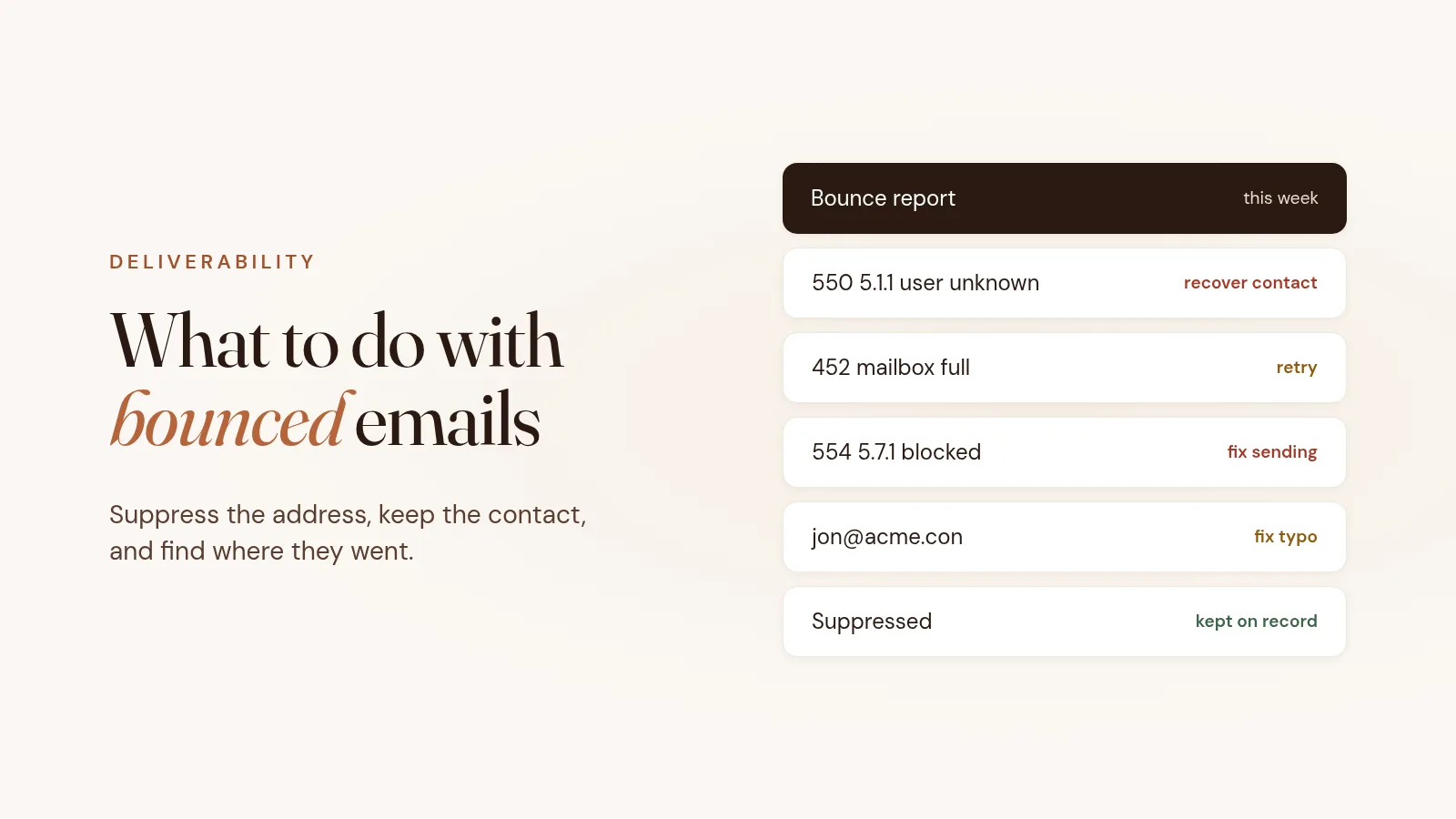
Every bounce comes with an SMTP code and a short reason. Your email platform shows it in the bounce report, or you’ll find it in the “Mail Delivery Subsystem” reply in your inbox. The first digit tells you which kind of bounce it is:
| Code | Type | Typical reason | What to do |
|---|---|---|---|
| 5.1.1, 550 user unknown | Hard bounce | The mailbox doesn’t exist | Suppress the address, then try to recover the contact |
| 5.1.2, 5.4.4 | Hard bounce | The domain doesn’t exist or has no mail server | Suppress, check the domain for a typo |
| 5.7.1, 550 blocked, 554 rejected | Block | The server refused you, often for spam or reputation | Fix your sending setup before resending |
| 4.2.2, 452 mailbox full | Soft bounce | The mailbox is full | Let your platform retry |
| 4.4.x, 421, 451 | Soft bounce | The server is busy, rate limiting you or greylisting | Let your platform retry |
If the code is missing or vague, the free email bounce checker tells you whether the address itself is deliverable.
Step 2: Hard bounce? Stop sending to it
Suppress a hard-bounced address straight away. Most email platforms do this automatically after the first hard bounce, but if you send from your own mailbox or a sales tool, you may need to add it to a suppression list yourself.
Don’t keep trying. Inbox providers count repeated mail to addresses that don’t exist as a sign of a careless or bought list, and a hard bounce rate above 2% of a send is where reputation problems usually start.
Suppressing the address doesn’t mean giving up on the person. That’s Step 4.
Step 3: Check for a typo
A surprising share of hard bounces are typos: jon@acme.co instead of jon@acme.com, gmial.com, a missing letter in a name. Look at the address before you write it off.
- Domain typos such as
gmial.com,hotmal.comand.conare easy to spot and fix. - Name typos are harder. If you know the company’s email pattern, compare the address against it. Our guide to email address formats lists the common ones.
- Validate the corrected address before you send to it. A fixed typo that still bounces is a second bounce.
To stop typos at the source, validate addresses when they’re entered on your signup and lead forms with an email validation API.
Step 4: Recover the contact you still want
When a work address hard bounces, the usual reason is that the person left the company, or the company changed its domain. If the contact still matters, there are two ways to recover it.
The person moved to a new company. Check their LinkedIn profile or a recent post for where they work now, then look up their address at the new company.
Someone else has the role now. If you were writing to “the head of marketing at Acme”, the job still exists. Find who holds it now and reach out to them instead, with a note that you’d been in touch with their predecessor.
Either way, you’ll have a name and a company domain. Truelist’s Email Finder takes exactly that: first name, last name and company domain. It checks the likely address patterns and returns an address only when it’s verified. Each search costs 25 credits, including searches that find no match, so use it for contacts that are worth it. Searches on catch-all domains and domains with no mail server are free. For the manual methods, see how to find someone’s email address.
Email Finder looks up one person at a time in the Truelist app. Finding addresses for a whole file of names isn’t available yet; you can join the bulk finding waitlist.
Step 5: Soft bounce? Let it retry, then decide
Soft bounces are temporary. Your platform retries them, usually for a day or more, and most go through.
Watch for the same address soft bouncing on send after send. A mailbox that’s “full” for weeks is usually abandoned, and providers eventually delete those, after which they hard bounce. Suppress an address after three to five soft bounces in a row.
Step 6: A block? Fix your sending, not the list
Bounces with “blocked”, “rejected”, “policy” or “spam” in the reason, usually with a 5.7.x code, mean the server refused you, not the address. Removing the address won’t help, and the next message to that provider will be refused too.
Work through these:
- Authentication. Check that SPF, DKIM and DMARC pass for your sending domain. Our SPF record checker and DMARC record checker show what’s published.
- Blocklists. Run your domain and sending IP through the email blacklist checker.
- Complaints. If you send to Gmail, check your spam rate in Google Postmaster Tools. Gmail wants it below 0.1%.
The guide to why emails bounce back goes through blocks in more detail.
Step 7: Lots of bounces at once? Pause and validate the whole list
If one campaign bounces at 5% or more, stop sending it. That many bounces means the list has a problem, not a few unlucky addresses, and every extra send makes the damage worse.
Validate the remaining list before you send again. With Truelist, upload the file and each address comes back as valid, invalid, risky or unknown. Then:
- Send to the valid addresses.
- Suppress the invalid ones, and recover the contacts you care about as in Step 4.
- Resolve the unknowns with Enhanced validation. Unknowns are often on catch-all domains, where a standard check can’t confirm the mailbox. Enhanced runs only on those addresses and costs 3 credits each, only when it resolves one. If an address stays unresolved, it costs nothing.
Standard validation costs 1 credit per address with a definite result, and credits never expire, so you can validate before every campaign without a subscription.
Should you delete bounced emails?
Don’t delete them from your records; suppress them. A suppressed address stays in your system, marked so nothing is sent to it. If you delete it, it can come back the next time someone imports a CSV or syncs a CRM, and you’ll bounce off it again.
Keep the contact record too. The name, company and role are what you need to find their current address later.
Frequently asked questions
What happens if I keep sending to a bounced email?
Every send to an address that doesn’t exist bounces again, and inbox providers see a sender who doesn’t clean their list. Your bounce rate rises, more of your mail goes to spam, and your email platform may review or suspend your account.
Should I resend an email that soft bounced?
Usually you don’t need to: your email platform retries soft bounces for you. If the message failed after the retries, you can resend it a day or two later. If the same address soft bounces on three to five sends in a row, suppress it.
Can a bounced email address become valid again?
Sometimes. A soft-bounced address can work again once the mailbox has space or the server recovers. A hard-bounced address can come back if the company re-creates the mailbox, but that’s rare. Validate the address before you try it again instead of finding out with a second bounce.
How do I find the new email address of someone whose email bounced?
Find out where they work now, usually from LinkedIn, then look up their address at that company. You can guess the company’s email pattern and validate the guesses, or use an email finder that takes a name and a company domain and returns only verified addresses.
Not sure how much of your list will bounce? Validate it with Truelist before your next send. Your first 100 validations are free, and credits never expire.