How To Install And Use Truelist Chrome Extension?
In this blog, We will discover how to install and use Truelists’ Chrome Extension with quick and easy steps
Installation:
To install Truelist Extension :
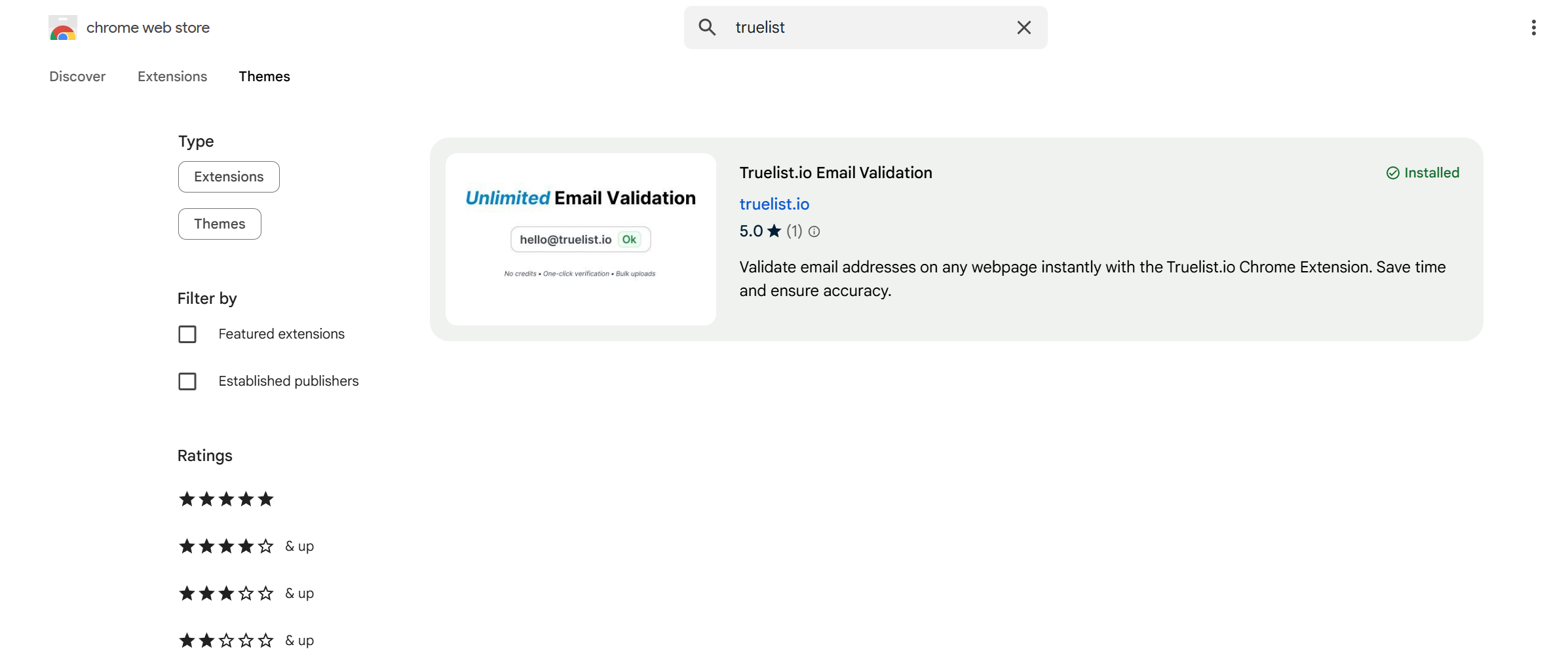
Just Head over to the Chrome web store or Extension Sections on Safari
Search for “Truelist”
Select the extension and add it to your browser/ download it.
The extension will now be visible in the extension section.
Using Truelist Chrome Extension
Visit Truelist
Locate and click on the Truelist extension from the extensions section.
You’ll then see a login button on the extension page
Login to truelist.io with your preferred method.
Upgrade your account to any of the paid plans (if you haven’t already)
Then you’ll be able to verify emails directly from the Truelist extension
You can either use the single email verification method to enter emails or use the verify on page section to verify emails present in the page you’re visiting.
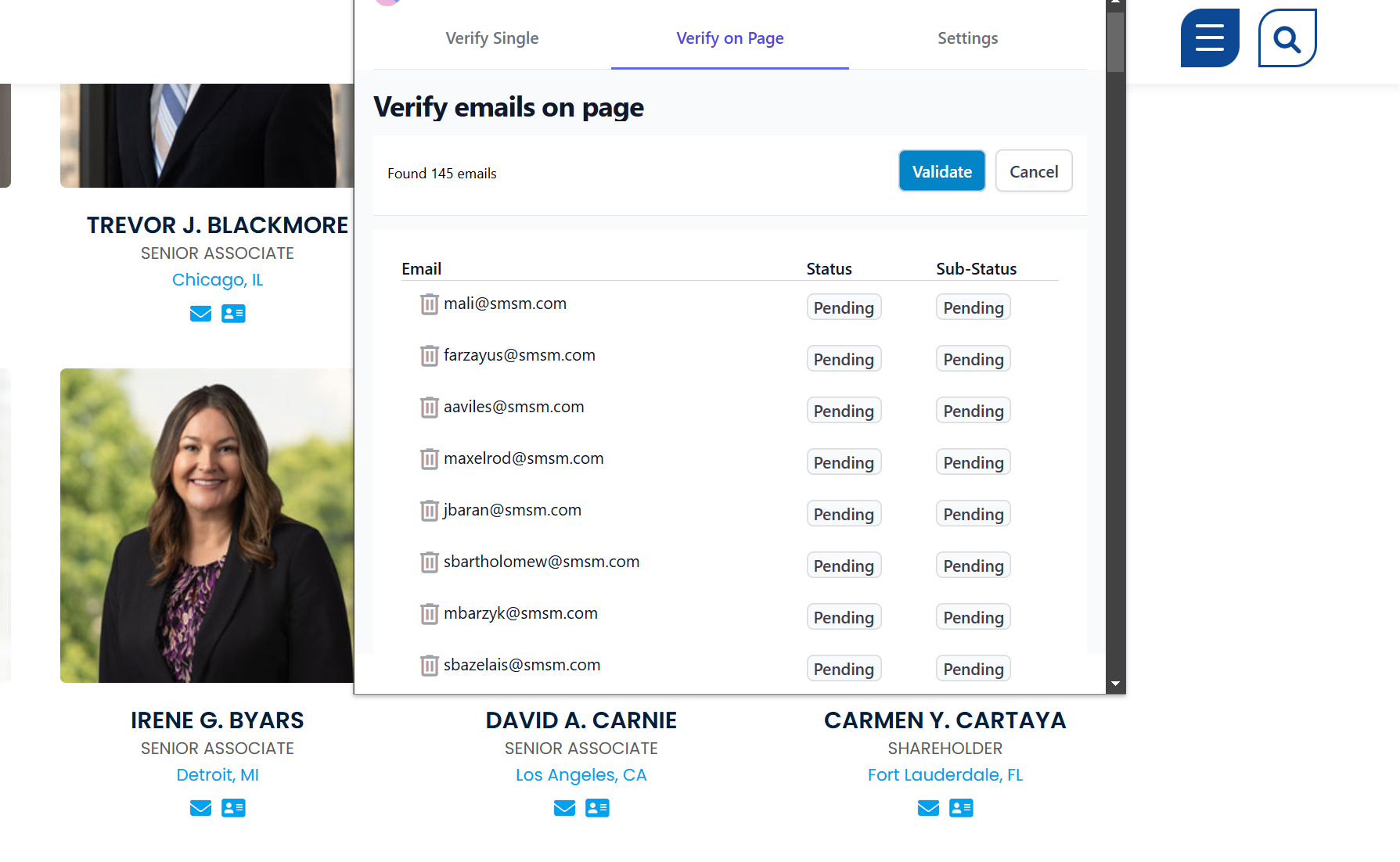
Scrape and verify emails directly from a webpage
To verify emails directly just visit the webpage with the emails you want to verify
Then click on Truelist extension from the extensions tab
Truelist will now open in your browser
Click on find emails to scrape the emails on the webpage
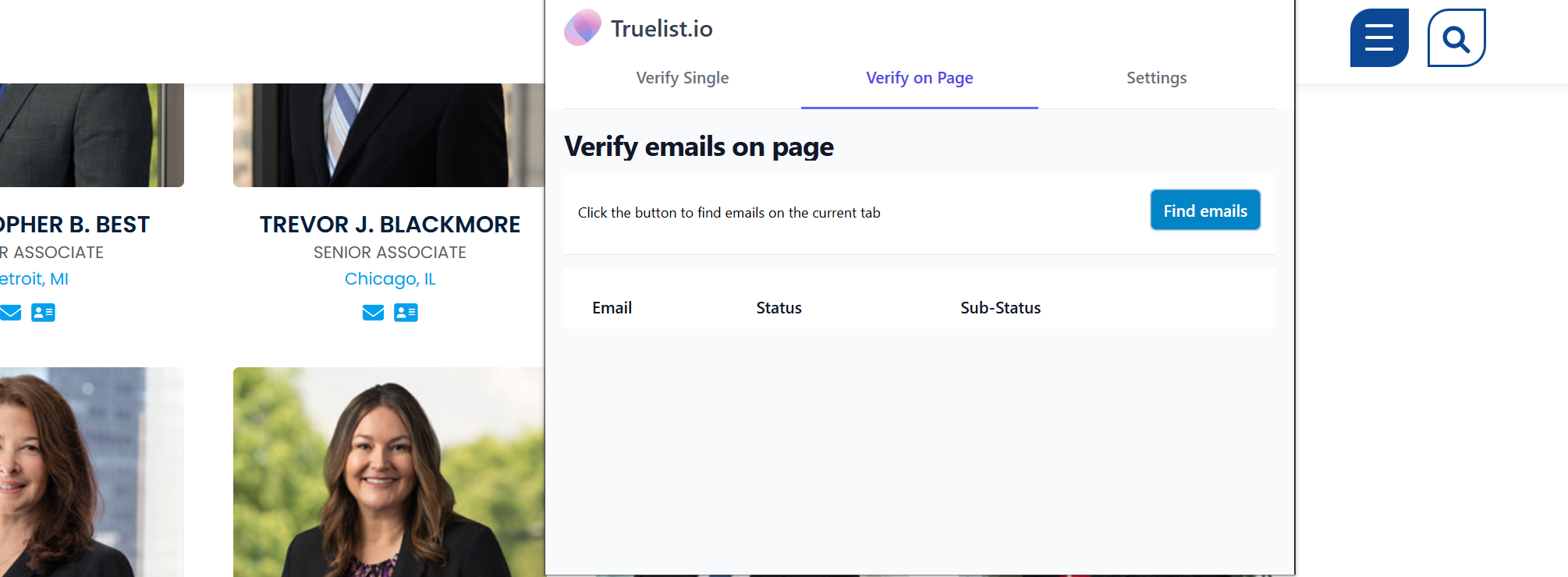
The chrome extension will now scrape all the emails on that webpage Then you can verify the emails directly using the validate button.